
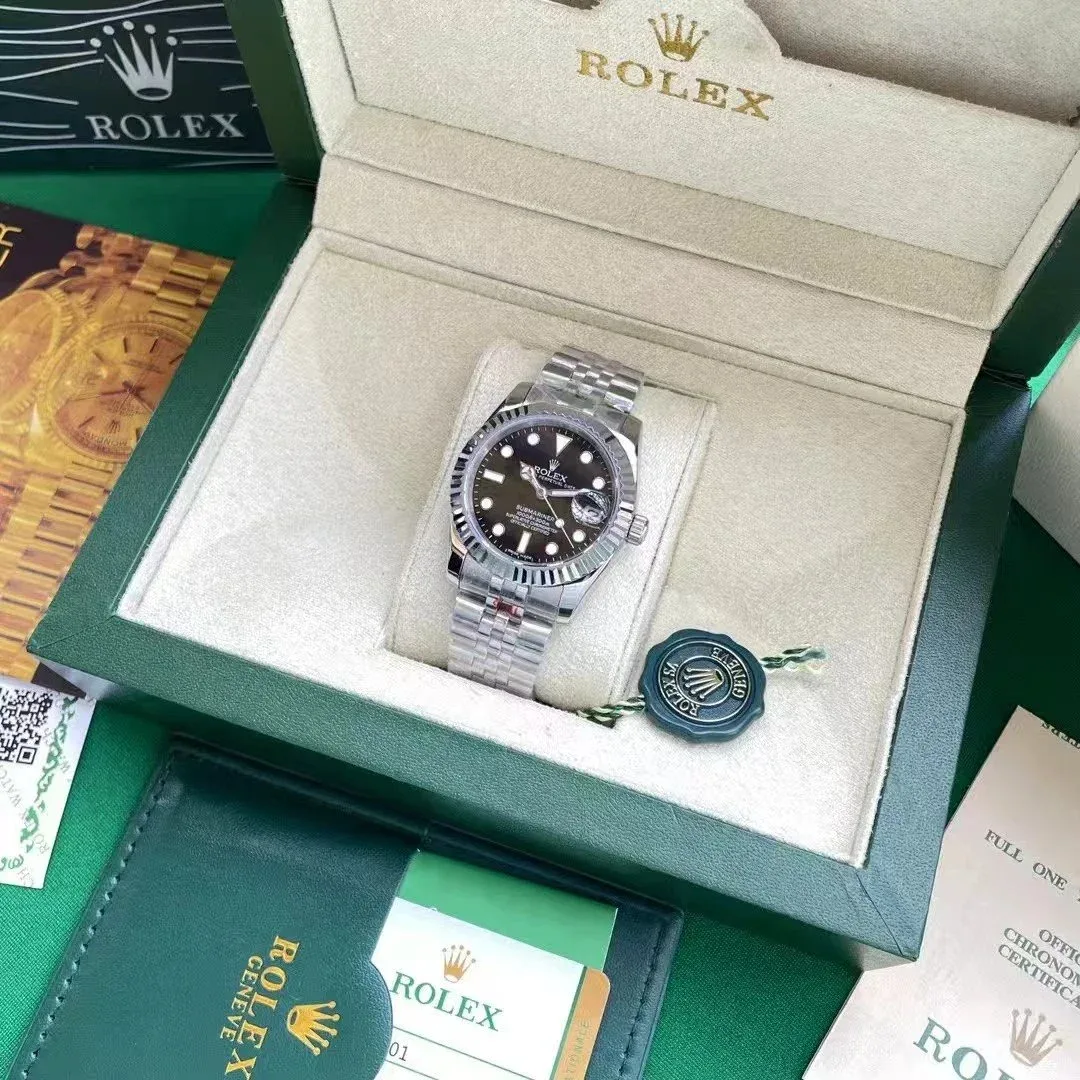
 Link activePopularHover for QC
Compare current accessories records, then verify the exact variant and destination before continuing.
Link activePopularHover for QC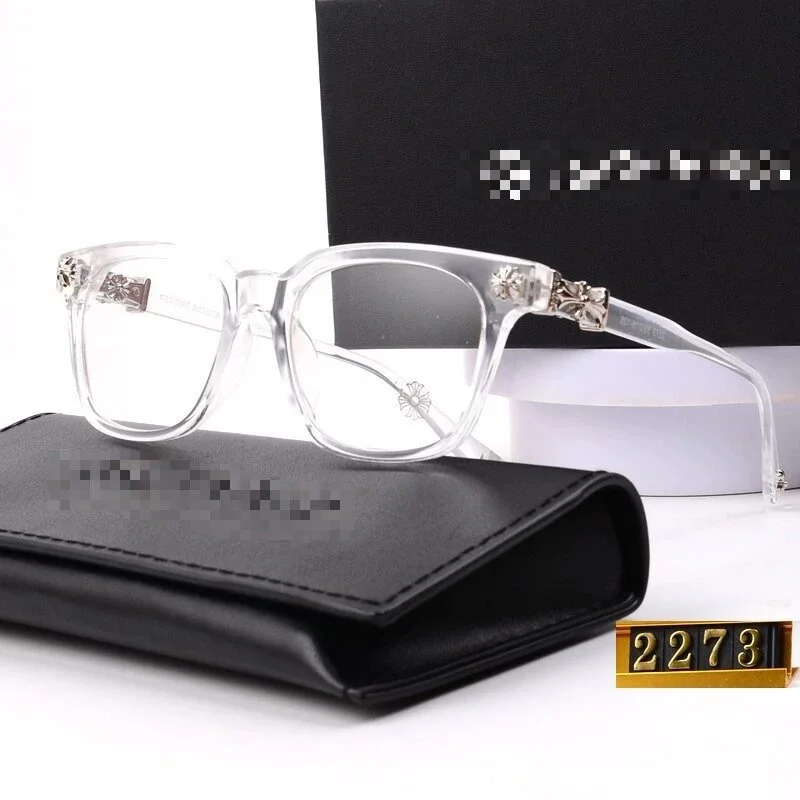 Link active
Use the reference price only as a starting point. Confirm current availability, dimensions, color, materials and QC evidence on the destination page. Similar thumbnails can represent different batches or variants.
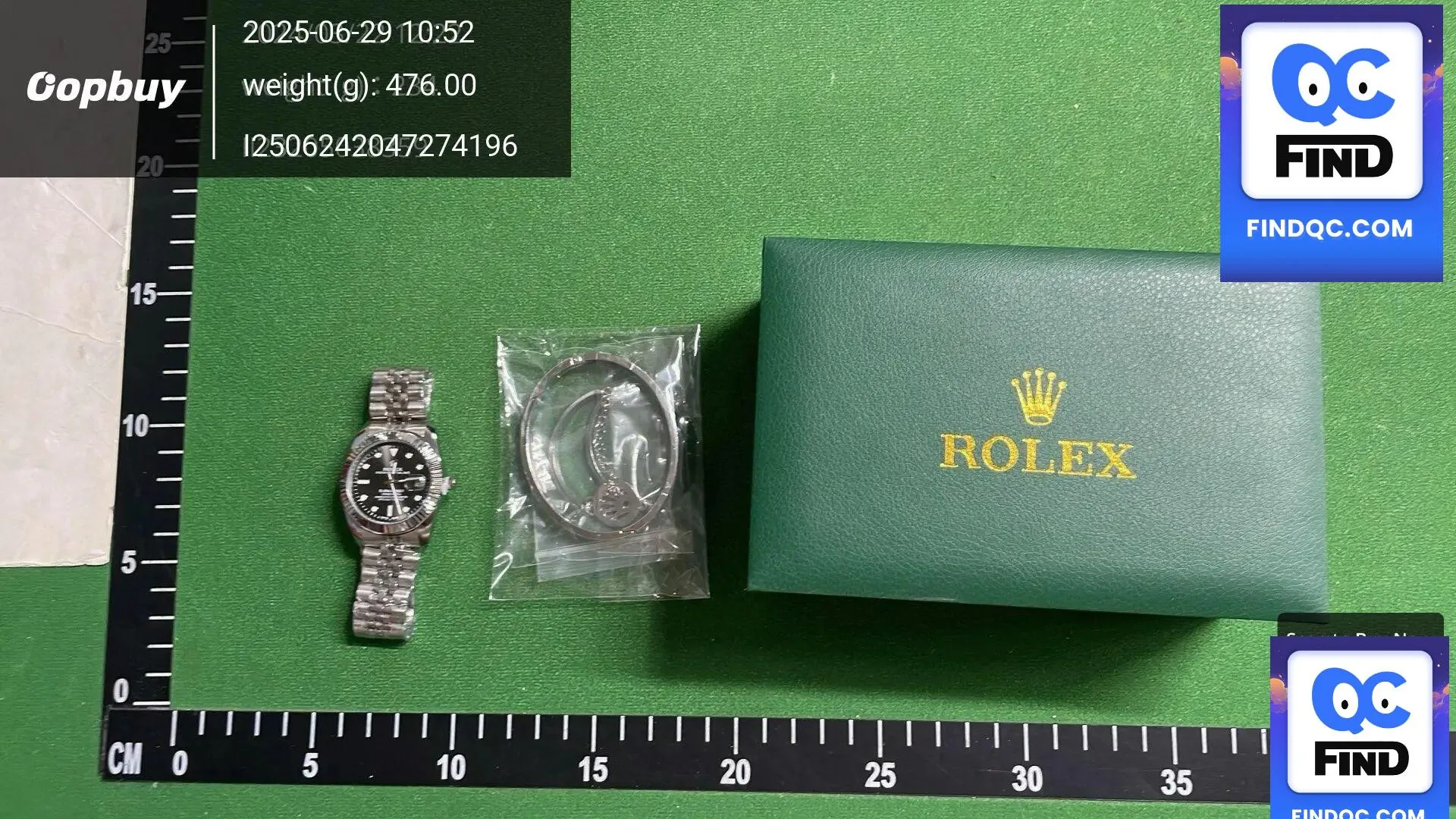
Read the spreadsheet workflow →Accessories cover products with very different sizing and inspection needs, so begin by identifying the exact variant. For eyewear, watches and smaller finishing pieces, request close views that show dimensions, moving parts and surface condition.
Use the complete QC photo checklist →Confirm color, material, size and included pieces because small option changes may not be obvious in a thumbnail.
Use close photos for lenses, hinges, clasps, watch faces, edges and other areas where scratches or alignment matter.
Frame width, strap length, belt length or another category-specific measurement is often more useful than a generic size label.
Match the inspection to the product: check frame and temple measurements for eyewear, clasp and face details for watches, and usable length for wearable pieces.
Small scratches, uneven edges, loose hardware and variant differences can disappear in a full-item photo, so close views provide necessary context.